Best Budget-Friendly Gaming Laptops Under $800 for Students in 2025
Finding the best budget gaming laptops under $800 can be a challenge, especially for students who need performance without breaking the bank. Fortunately, 2025 brings a range of affordable yet powerful options that deliver smooth gameplay, solid build quality, and reliable multitasking capabilities. Whether you’re tackling demanding coursework or diving into the latest AAA titles, these budget gaming laptops offer exceptional value without compromising on essential features. In this guide, we’ll explore the top contenders that balance affordability and performance, ensuring you get the most bang for your buck.
What to Look for in Budget Gaming Laptops
When shopping for budget gaming laptops, several key factors determine whether a device is worth the investment. First, prioritize the processor—an AMD Ryzen 5 or Intel Core i5 is ideal for smooth performance. Next, focus on the GPU; dedicated graphics like the NVIDIA GTX 1650 or AMD Radeon RX 6500M ensure decent frame rates in modern games. RAM is another critical component—8GB is the bare minimum, but 16GB is preferable for seamless multitasking. Storage should include at least a 512GB SSD for faster load times. Finally, consider battery life and display quality, as a 1080p IPS panel with a 120Hz refresh rate enhances the gaming experience without inflating costs.
Top Budget Gaming Laptops Under $800 in 2025
One of the standout options in the budget gaming laptops category is the Acer Nitro 5. Powered by an AMD Ryzen 5 7600HS and NVIDIA GTX 1650, it delivers reliable performance for both gaming and productivity. The 15.6-inch Full HD display with a 144Hz refresh rate ensures smooth visuals, while the 16GB RAM and 512GB SSD provide ample storage and speed. Another excellent choice is the Lenovo IdeaPad Gaming 3, featuring an Intel Core i5-12450H and NVIDIA RTX 3050. Its robust cooling system and backlit keyboard make it a student-friendly pick. For those who prefer AMD graphics, the HP Victus 15 with a Ryzen 5 7535HS and Radeon RX 6500M offers great value, balancing power and affordability.
Performance vs. Affordability in Budget Gaming Laptops
While budget gaming laptops under $800 won’t match high-end rigs, they still pack enough power for most modern games at medium to high settings. Titles like Valorant, Fortnite, and Apex Legends run smoothly on these machines, while more demanding games like Cyberpunk 2077 may require tweaked settings. The key is managing expectations—prioritize a balanced configuration over cutting-edge specs. Many of these laptops also excel in productivity tasks, making them versatile for students who need a device for both work and play. Brands like Acer, Lenovo, and HP have optimized their budget models to offer the best possible performance within this price range.
Longevity and Upgradability of Budget Gaming Laptops
A common concern with budget gaming laptops is whether they can stay relevant over time. The good news is that many models in this price range allow for upgrades. Swapping out RAM or adding a secondary SSD can extend a laptop’s lifespan significantly. For example, the ASUS TUF Gaming F15 offers easy access to its internals, letting users upgrade components as needed. Cooling is another factor—look for laptops with efficient thermal solutions to prevent overheating during extended gaming sessions. Investing in a well-built model from a reputable brand ensures durability, even with daily use in a student’s busy lifestyle.
Balancing Battery Life and Gaming Performance
One trade-off with budget gaming laptops is battery life. High-performance components drain power quickly, so most gaming laptops in this range last around 4-6 hours on general use. However, features like NVIDIA Optimus or AMD SmartShift help balance performance and efficiency when not gaming. Students should consider carrying a charger for longer study sessions. Some models, like the Dell G15, offer fast-charging support, providing a few hours of use with just a short charge. If portability is a priority, opting for a slightly lighter model with decent battery optimization can make a difference.
Final Thoughts on Choosing the Best Budget Gaming Laptop
Selecting the right budget gaming laptop under $800 requires careful consideration of specs, build quality, and future-proofing potential. While compromises are inevitable at this price point, the 2025 market offers impressive options that cater to students and casual gamers alike. By focusing on a strong CPU-GPU combination, sufficient RAM, and upgradability, you can find a machine that meets both academic and gaming needs without overspending. Brands like Acer, Lenovo, and HP continue to lead the pack, proving that affordability doesn’t have to mean sacrificing performance.
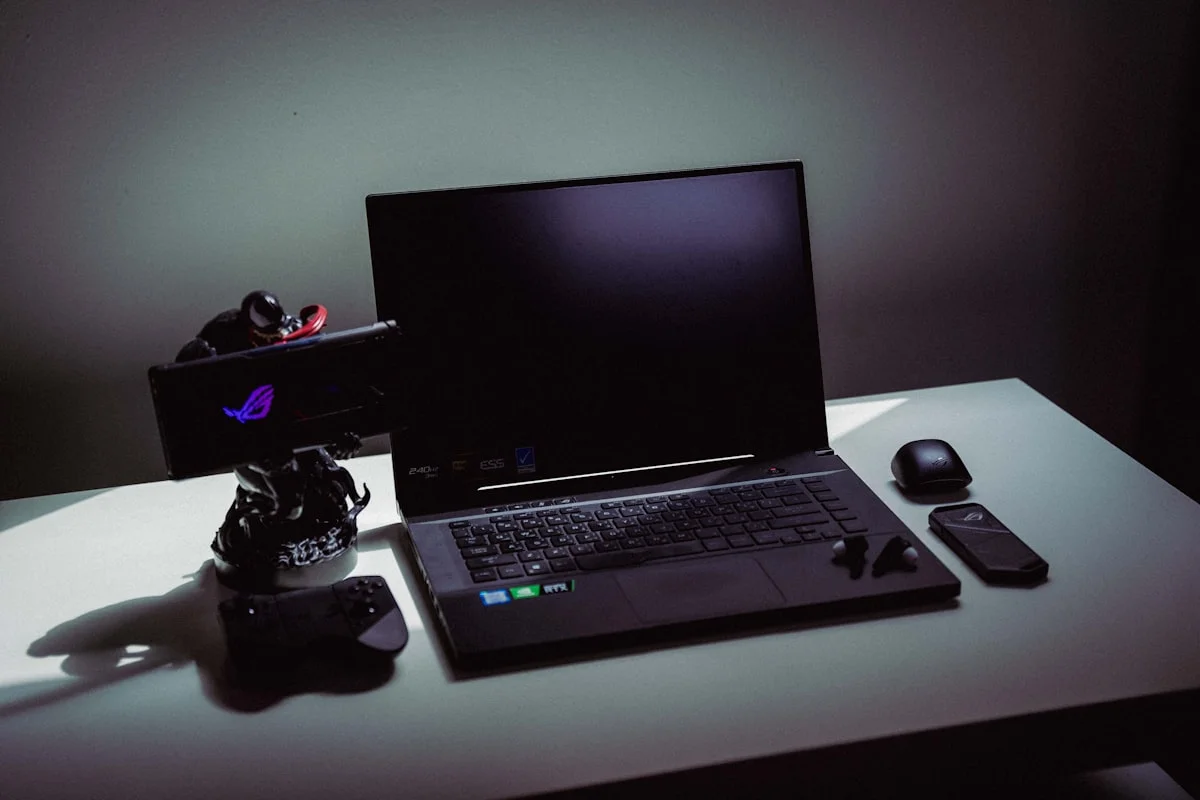
In conclusion, the best budget gaming laptops under $800 in 2025 provide an excellent entry point for students who want a capable machine without a hefty price tag. By understanding what to prioritize—such as processor power, graphics, and storage—you can make an informed decision that maximizes value. Whether you’re grinding through assignments or enjoying a gaming break, these laptops deliver the performance and reliability needed for a seamless experience.
Quick Comparison: The Top Picks at a Glance
| Laptop | Key Specs | Approx. Price in the USA |
|---|---|---|
| Acer Nitro 5 | Ryzen 5 7600HS, GTX 1650, 16GB RAM, 512GB SSD | About $700 |
| Lenovo IdeaPad Gaming 3 | Intel Core i5-12450H, RTX 3050, 16GB RAM, 512GB SSD | About $750 |
| HP Victus 15 | Ryzen 5 7535HS, RX 6500M, 16GB RAM, 512GB SSD | About $700 |
Prices change often and vary by store and sale. Check the maker’s and retailer’s websites for the current price. Laptops with an RTX 4050 graphics card also appear under $800 during sales, and they are a better pick than a GTX 1650 if you can find one at that price.
What to Prioritize When You Shop
Put the graphics card first. The GPU decides how well games run, so an RTX 3050 or RTX 4050 is worth more than a faster CPU. Get 16GB of RAM, as 8GB is not enough for modern games and multitasking. Choose at least a 512GB SSD, since games are large and a small drive fills up fast. A 144Hz display makes games look smoother than a 60Hz display. Check the cooling system too, as a laptop that runs hot will slow down during long gaming sessions.
Student Discounts and Where to Buy
Lenovo, HP, and Acer all run student stores with extra discounts, usually 5 to 10 percent off with a student email. Best Buy offers student deals, and Amazon often matches sale prices. Look for back-to-school sales in July and August, and Black Friday deals in November. Buying a previous-year model can save $100 or more, and the performance difference is often small.
Battery Life and Portability for Class
Gaming laptops are heavy and their batteries do not last long while gaming. Expect two to four hours of battery life during games, and five to seven hours for notes and web browsing. If you carry the laptop to class, look for a model under 5 pounds and bring the charger. A 15.6-inch laptop is the sweet spot for most students, as it is big enough for games and small enough to fit in a backpack.
Frequently Asked Questions
What is the best budget gaming laptop under $800 for students?
The Lenovo IdeaPad Gaming 3 with an RTX 3050 is a strong all-round pick. The Acer Nitro 5 and HP Victus 15 are also good value. Look for an RTX 4050 model on sale if you can find one under $800.
Is 8GB of RAM enough for a gaming laptop?
No. 16GB is the minimum for modern games and multitasking. Some laptops let you upgrade the RAM later, so check before you buy.
Can I get a student discount on a gaming laptop?
Yes. Lenovo, HP, and Acer run student stores with extra discounts. Best Buy also offers student deals. Check with your school email.
How long does a budget gaming laptop battery last?
Expect two to four hours while gaming, and five to seven hours for notes and web browsing. Bring the charger to class.
Is a GTX 1650 still good in 2025?
It can run popular games like Valorant and Fortnite at medium settings, but an RTX 3050 or RTX 4050 is a better pick if you can find one under $800.
Disclaimer: This guide gives general information only. Prices, specs, and availability can change. Check the maker’s and retailer’s websites for the latest details before you buy.
Last Updated: 6 November 2026