Best Monthly Expense Tracker Apps to Manage Your Finances in 2025
Keeping track of your spending is essential for financial health, and the right monthly expense tracker apps can make all the difference. Whether you’re budgeting for savings, paying off debt, or simply staying on top of daily expenses, these apps help you monitor cash flow effortlessly. In this guide, we’ll explore the top monthly expense tracker apps for 2025, highlighting their key features, usability, and how they can simplify your financial management.
Why You Need a Monthly Expense Tracker App
Managing finances manually can be tedious and error-prone. A dedicated monthly expense tracker app automates the process, categorizes transactions, and provides real-time insights into your spending habits. These apps help you identify unnecessary expenses, set financial goals, and ensure you stay within budget. With features like bill reminders, investment tracking, and customizable reports, they offer a comprehensive solution for personal finance management.
Top Features to Look for in Monthly Expense Tracker Apps
When choosing the best app for tracking expenses, consider features like automatic transaction syncing, multi-device access, and secure encryption. A good app should also support multiple currencies, offer customizable budget categories, and provide visual reports like graphs and charts. Integration with banks and credit cards is another must-have, as it eliminates manual entry and ensures accuracy. Additionally, look for apps with goal-setting tools and alerts for overspending to keep your finances on track.
Best Monthly Expense Tracker Apps for 2025
One of the leading apps in this category is Mint, which offers a seamless way to track spending, create budgets, and monitor credit scores. Its intuitive interface and automatic categorization make it a favorite among users. Another excellent option is YNAB (You Need A Budget), which focuses on proactive budgeting by assigning every dollar a job. For those who prefer simplicity, PocketGuard provides a clear overview of available spending money after accounting for bills and savings goals.
For users who want investment tracking alongside expense management, Personal Capital is a strong contender. It combines budgeting tools with portfolio analysis, making it ideal for those with diverse financial interests. Meanwhile, Goodbudget uses the envelope system, allowing users to allocate funds to specific spending categories, which is great for disciplined budgeting.
How to Maximize the Use of Expense Tracker Apps
To get the most out of your chosen monthly expense tracker app, consistency is key. Regularly review your transactions to ensure they’re categorized correctly. Set up alerts for bill payments and budget limits to avoid late fees or overspending. Many apps also allow you to export data for tax purposes, so take advantage of this feature during tax season. Finally, sync the app across all your devices so you can update expenses on the go.
Security Considerations When Using Financial Apps
Since these apps handle sensitive financial data, security should be a top priority. Choose apps with bank-level encryption, multi-factor authentication, and a strong privacy policy. Avoid storing login credentials in unsecured notes or emails. Additionally, regularly update the app to ensure you have the latest security patches. Reputable apps like Mint and YNAB have a proven track record of safeguarding user data, so sticking with well-known providers is advisable.
Free vs. Paid Monthly Expense Tracker Apps
Many expense tracker apps offer free versions with basic features, which may be sufficient for casual users. However, paid versions often include advanced tools like detailed financial reports, unlimited budgets, and priority customer support. If you have complex financial needs, investing in a premium plan can be worthwhile. Apps like YNAB and Quicken offer subscription models with robust features tailored for serious budgeters.
Final Thoughts on Choosing the Right App
Selecting the best monthly expense tracker app depends on your financial goals and preferences. Whether you need a simple spending monitor or a comprehensive financial dashboard, there’s an app designed to meet your needs. By leveraging automation, real-time tracking, and smart budgeting tools, you can take control of your finances and make informed decisions in 2025 and beyond.
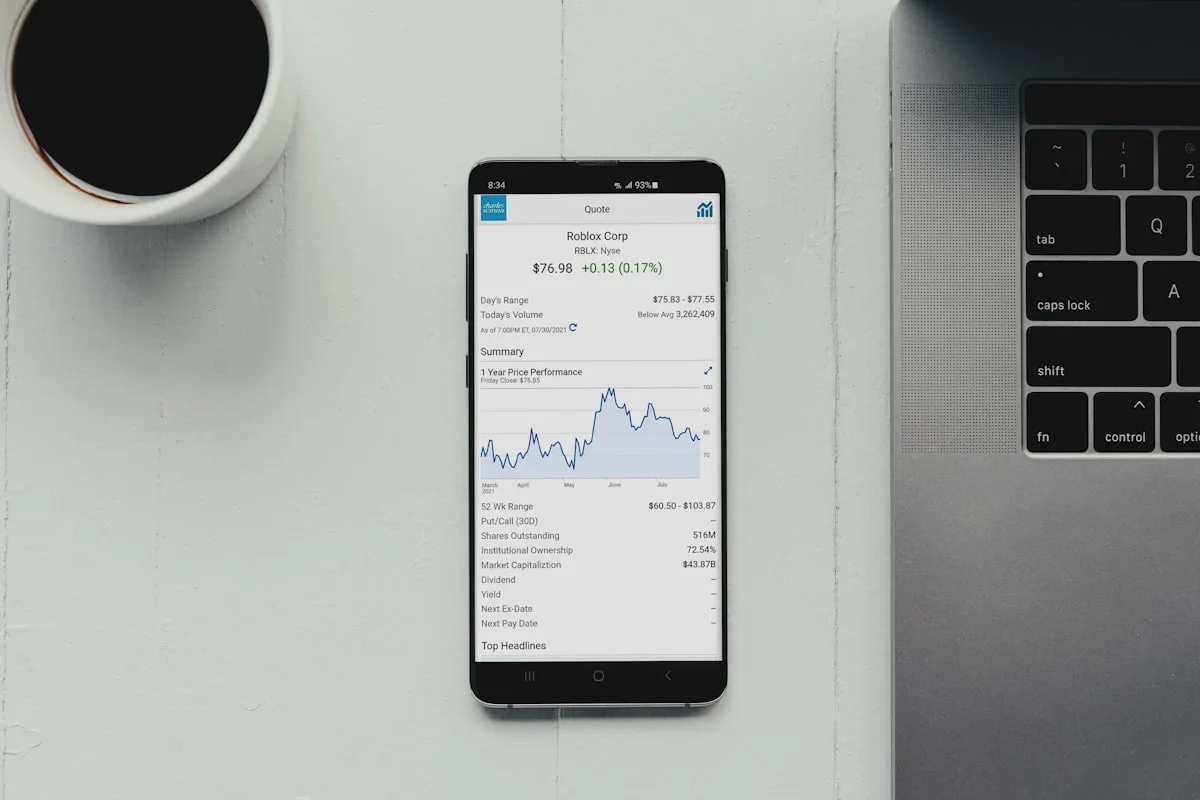
In conclusion, using a reliable monthly expense tracker app can transform the way you manage money. With the right tool, you’ll gain clarity on spending patterns, reduce financial stress, and work toward long-term financial stability. Explore the options mentioned above, test a few that align with your needs, and take the first step toward smarter money management today.
Important Correction: Mint Has Shut Down
The original guide recommends Mint as one of the leading expense tracker apps. Mint was shut down by Intuit in March 2024, and its users were moved to Credit Karma. Do not sign up for Mint, as the service no longer exists. Good alternatives include YNAB (You Need A Budget), PocketGuard, Goodbudget, and Empower Personal Dashboard. Personal Capital, also mentioned in the original guide, was renamed Empower in 2023. The app still offers the same budgeting and investment tracking tools under its new name.
Expense Tracker Apps Compared: Current Options
| App | Approx. Price | Best For |
|---|---|---|
| YNAB | About $14.99 a month or $109 a year | Proactive budgeting and debt payoff |
| PocketGuard | Free plan; Plus about $12.99 a month | Seeing how much you can safely spend |
| Goodbudget | Free plan; Plus about $8 a month | Envelope budgeting with a partner |
| Empower Personal Dashboard | Free | Budgeting plus investment tracking |
| Credit Karma | Free | Former Mint users who want a free tool |
Prices change often, so check the app’s website before you sign up. Most paid apps offer a free trial of 14 to 34 days.
The 50/30/20 Budget Rule
A simple way to budget is the 50/30/20 rule: spend 50 percent of your after-tax income on needs, 30 percent on wants, and 20 percent on savings and debt repayment. Needs include rent, food, transport, and insurance. Wants include dining out, streaming, and holidays. Savings include an emergency fund, retirement, and extra debt payments. Most expense tracker apps let you set these categories and track them automatically. Adjust the split to fit your life, as rent in an expensive city can take more than 50 percent.
Security: How Your Bank Data Stays Safe
Expense tracker apps connect to your bank through a data aggregator such as Plaid. Plaid uses bank-level encryption and does not store your bank login details on the app’s servers. Choose apps that offer two-factor authentication, and use a strong, unique password with a password manager. Read the app’s privacy policy to see how your data is used. Never share your bank login details by email or text, and be careful with apps that ask for more access than they need.
Frequently Asked Questions
Is Mint still available?
No. Mint was shut down by Intuit in March 2024, and its users were moved to Credit Karma. Good alternatives include YNAB, PocketGuard, Goodbudget, and Empower.
What is the best expense tracker app?
It depends on your needs. YNAB is best for proactive budgeting. PocketGuard is best for seeing how much you can safely spend. Empower is best for budgeting plus investment tracking.
What is the 50/30/20 budget rule?
Spend 50 percent of your after-tax income on needs, 30 percent on wants, and 20 percent on savings and debt repayment. Adjust the split to fit your life.
Are expense tracker apps safe to use with my bank?
Most connect through a data aggregator such as Plaid, which uses bank-level encryption. Choose apps with two-factor authentication and a strong, unique password.
Can I track expenses for free?
Yes. PocketGuard, Goodbudget, Empower, and Credit Karma all offer free plans. Paid apps such as YNAB offer a free trial.
Disclaimer: This guide gives general information only. Prices and features can change. Check the app’s website for the latest details before you sign up. This guide gives no investment advice for readers.
Last Updated: 6 November 2026