Best Budget YouTube Microphone for Voiceovers in London (2025)
If you’re a content creator in London looking for the best budget YouTube microphone for professional-quality voiceovers, you’re in the right place. Finding an affordable yet high-performing microphone can be challenging, especially with so many options available. In this guide, we’ll explore the top budget YouTube microphones that deliver crisp, clear audio without breaking the bank. Whether you’re recording in a home studio or a busy London flat, these picks will help you sound like a pro.
Why a Good Microphone Matters for YouTube Voiceovers
Audio quality is just as important as video quality when it comes to YouTube success. A poor microphone can make even the most polished videos sound amateurish. A budget YouTube microphone that captures clean, noise-free audio will keep your audience engaged and improve your channel’s credibility. In a bustling city like London, background noise from traffic or neighbors can be a challenge, so choosing the right mic is crucial.
Top Budget YouTube Microphones for London Creators
One of the best affordable options for voiceovers is the Fifine K669B. This USB condenser microphone offers studio-quality sound at a fraction of the price of professional setups. Its plug-and-play design makes it perfect for beginners, and its compact size is ideal for small London workspaces. Another great choice is the Blue Snowball iCE, known for its crisp audio and stylish design. While it lacks some advanced features, it’s a reliable budget YouTube microphone for clear voiceovers.
For those who prefer an XLR setup, the Behringer XM8500 is an excellent dynamic microphone under £50. Paired with an affordable audio interface, it delivers warm, broadcast-ready sound. If you need versatility, the Rode VideoMic Go II is a lightweight shotgun mic that works well for both indoor and outdoor recordings—perfect for London creators who film in different environments.
How to Choose the Right Budget YouTube Microphone
When selecting a budget YouTube microphone, consider your recording environment. Condenser mics, like the Fifine K669B, are sensitive and great for quiet spaces, while dynamic mics, such as the Behringer XM8500, handle background noise better. USB mics are convenient for beginners, whereas XLR mics offer better sound customization with the right equipment. Also, think about portability—London creators often work in tight spaces, so a compact mic can be a game-changer.
Where to Buy Budget Microphones in London
London has several great electronics stores where you can test microphones before buying. PMT Music in Camden and DV247 in Romford offer a wide selection of budget YouTube microphones. Online retailers like Amazon UK and Gear4music also provide competitive prices and fast delivery across the city. If you’re on a tight budget, checking second-hand markets like Gumtree or Facebook Marketplace can yield great deals.
Tips for Improving Audio Quality on a Budget
Even with a budget YouTube microphone, you can enhance your audio quality with a few simple tricks. Recording in a carpeted room or using blankets to dampen echo can make a big difference. A pop filter (or even a sock over the mic) reduces plosive sounds. Free software like Audacity helps clean up background noise and fine-tune your recordings. London’s ambient noise can be tricky, but these small adjustments will help you achieve professional sound without expensive gear.
Final Thoughts on the Best Budget YouTube Microphone
Finding the perfect budget YouTube microphone doesn’t have to be overwhelming. Whether you opt for a USB condenser like the Fifine K669B or a dynamic XLR mic like the Behringer XM8500, there are plenty of affordable options that deliver excellent audio. For London-based creators, considering noise isolation and portability will help you make the best choice. With the right mic and a few recording tweaks, your voiceovers will sound polished and professional in no time.
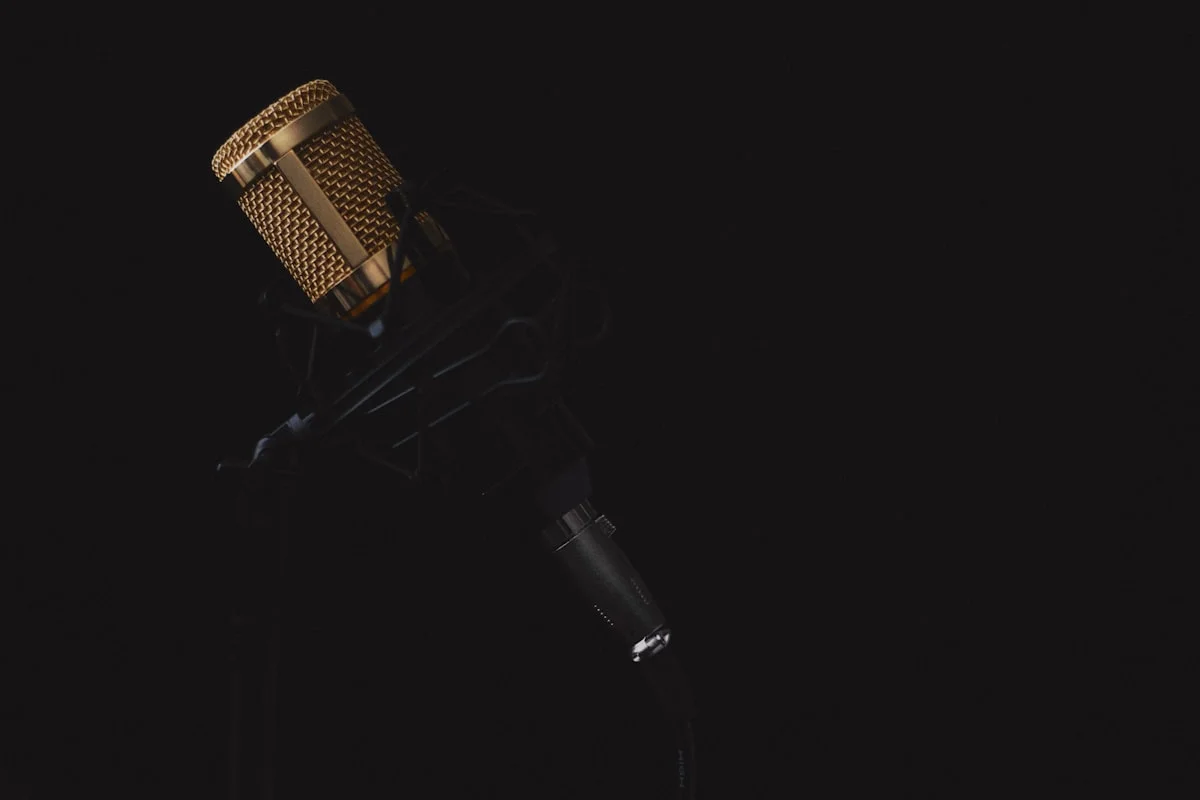
Ready to upgrade your audio setup? Explore these budget YouTube microphones and start creating content that stands out in 2025. Your audience (and your ears) will thank you!
Quick Comparison: The Top Picks at a Glance
| Microphone | Type | Approx. Price in the UK | Best For |
|---|---|---|---|
| Fifine K669B | USB condenser | About £35 | Beginners and home voiceovers |
| Blue Snowball iCE | USB condenser | About £50 | Simple plug-and-play recording |
| Behringer XM8500 | XLR dynamic | About £20 to £25 | Noisy rooms and live recording |
| Rode VideoMic Go II | Shotgun mic | About £100 | Filming indoors and outdoors |
Prices change often and vary by store. Check the retailer’s website for the current price. The Behringer XM8500 needs an audio interface or a mixer, as it uses an XLR connection and has no USB plug.
USB Versus XLR: Which Should You Choose?
| Feature | USB Microphones | XLR Microphones |
|---|---|---|
| Setup | Plug into your computer and record | Needs an audio interface |
| Cost | Cheaper to start | More costly, but more flexible |
| Sound quality | Good for voiceovers | Often better, with more control |
| Best for | Beginners and simple setups | Creators who want to upgrade over time |
If you are just starting, a USB microphone is the simplest choice. If you plan to build a studio over time, an XLR setup gives you more room to grow.
Recording Tips for London Flats
London flats are often noisy, with traffic, neighbours, and thin walls. Record in the smallest, quietest room you have. Close windows and turn off fans and fridges while you record. Hang a thick blanket or a duvet behind you to absorb echo. Use a pop filter to cut harsh sounds. Set your gain so your voice peaks at a safe level, and record a short test before a long session. A dynamic microphone, such as the Behringer XM8500, picks up less background noise than a condenser microphone.
Free Software for Recording and Editing
Audacity is free and works well for recording and editing voiceovers on Windows, Mac, and Linux. OBS Studio is free and is the standard tool for recording video with audio for YouTube. DaVinci Resolve has a free version with good audio editing tools. All three are free to download from their official websites. Learn one tool well before you try another.
Frequently Asked Questions
What is the best budget microphone for YouTube voiceovers?
The Fifine K669B is a strong pick for beginners at about £35. The Blue Snowball iCE is also good for simple plug-and-play recording.
Should I buy a USB or an XLR microphone?
USB is simpler and cheaper to start with. XLR gives better sound and more room to grow, but needs an audio interface.
Where can I buy a budget microphone in London?
Try Currys, Richer Sounds, and Gear4music, where you can test microphones before buying. Amazon UK also stocks all the models in this guide.
How can I reduce background noise in my recordings?
Record in a small, quiet room, close windows, turn off fans, and hang a thick blanket behind you. A dynamic microphone also picks up less background noise.
What free software can I use to record voiceovers?
Audacity is free and works well for voiceovers. OBS Studio is free for recording video with audio, and DaVinci Resolve has a free version with audio editing tools.
Disclaimer: This guide gives general information only. Prices and features can change. Check the retailer’s website for the latest details before you buy.
Last Updated: 6 November 2026